Client email that can be faked
Closing and settlement emails attract fakes. GateWatch checks the SPF, DKIM and DMARC settings that decide how easy it is for someone to pose as your firm.
Retroworks / GateWatch / Law firms
For law firms with 5 to 50 staff
GateWatch is in early access. We're setting it up with a small number of offices. Book a call to see if it fits yours.
Your firm handles client files, and client confidentiality is part of the job. So knowing your weak spots matters. GateWatch looks at your office network, your email settings and how your staff sign in. Each morning it sends a short summary of what it found, with the proof and a suggested fix. Your team or your IT provider makes the change.
It doesn't replace your IT provider. Your IT provider and the firm decide what to fix.
In a law firm
Most small firms have no IT department, just an IT provider they call. GateWatch doesn't replace them. It helps the partners and your IT provider see problems like these, in plain English.
Closing and settlement emails attract fakes. GateWatch checks the SPF, DKIM and DMARC settings that decide how easy it is for someone to pose as your firm.
Remote desktop or file-sharing ports open to the internet, found by the outside check on the addresses you've signed for.
Every staff account on a password alone, including shared inboxes like intake or billing, named one by one.
Every laptop and computer on the office network shows up in one list, so you can see what's connected and what nobody recognizes.
With a small agent on the server that holds your documents, GateWatch checks for missing software updates and flags break-in signs, like repeated failed logins.
When a new device joins the office network, you get an alert so someone can check whose it is.
What it checks
You choose how far to go. The day-one checks don't need anything installed in your office.
Nothing installed.
A check from outside your office for open ports on your office's internet address. Only addresses you've shown are yours and signed for.
Your SPF, DKIM and DMARC settings, which make your address harder or easier to fake. Plus any change to your DNS records.
Your website certificate and your domain name, flagged before they lapse.
One short email each morning, plus a sign-in page with every finding, the proof and a suggested fix.
Each one is optional.
A list of every device on the office network, with an alert when a new one joins. Needs a small sensor box at the office.
Who signs in, and which accounts don't use two-step sign-in. Needs a read-only grant in your Microsoft 365 or Google admin.
Software updates that are missing and break-in signs. Needs a small agent on each server. Servers only, not staff PCs.
How it works
Screens
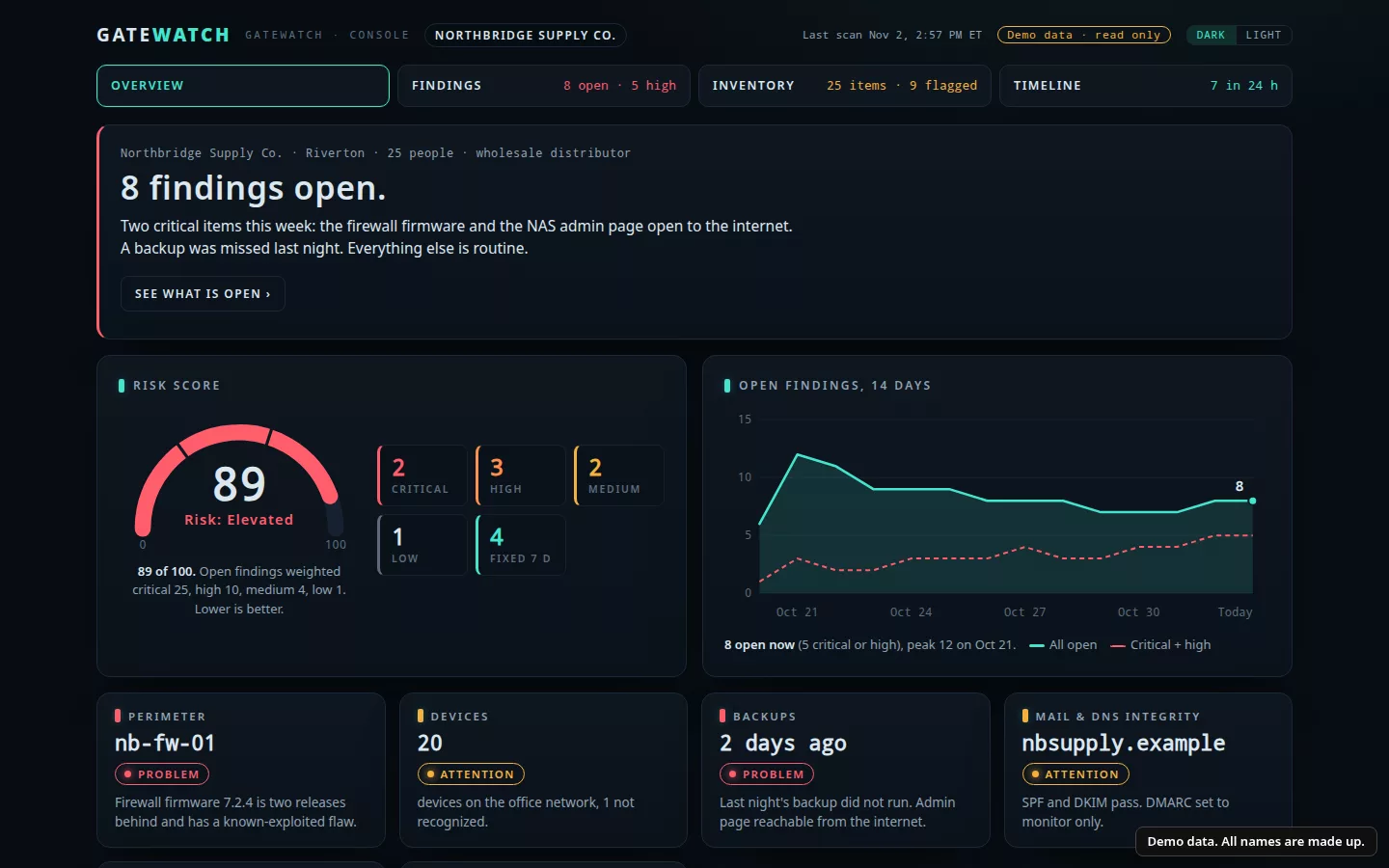
These come from a demo company with invented devices, addresses and domains. Yours shows your own office.
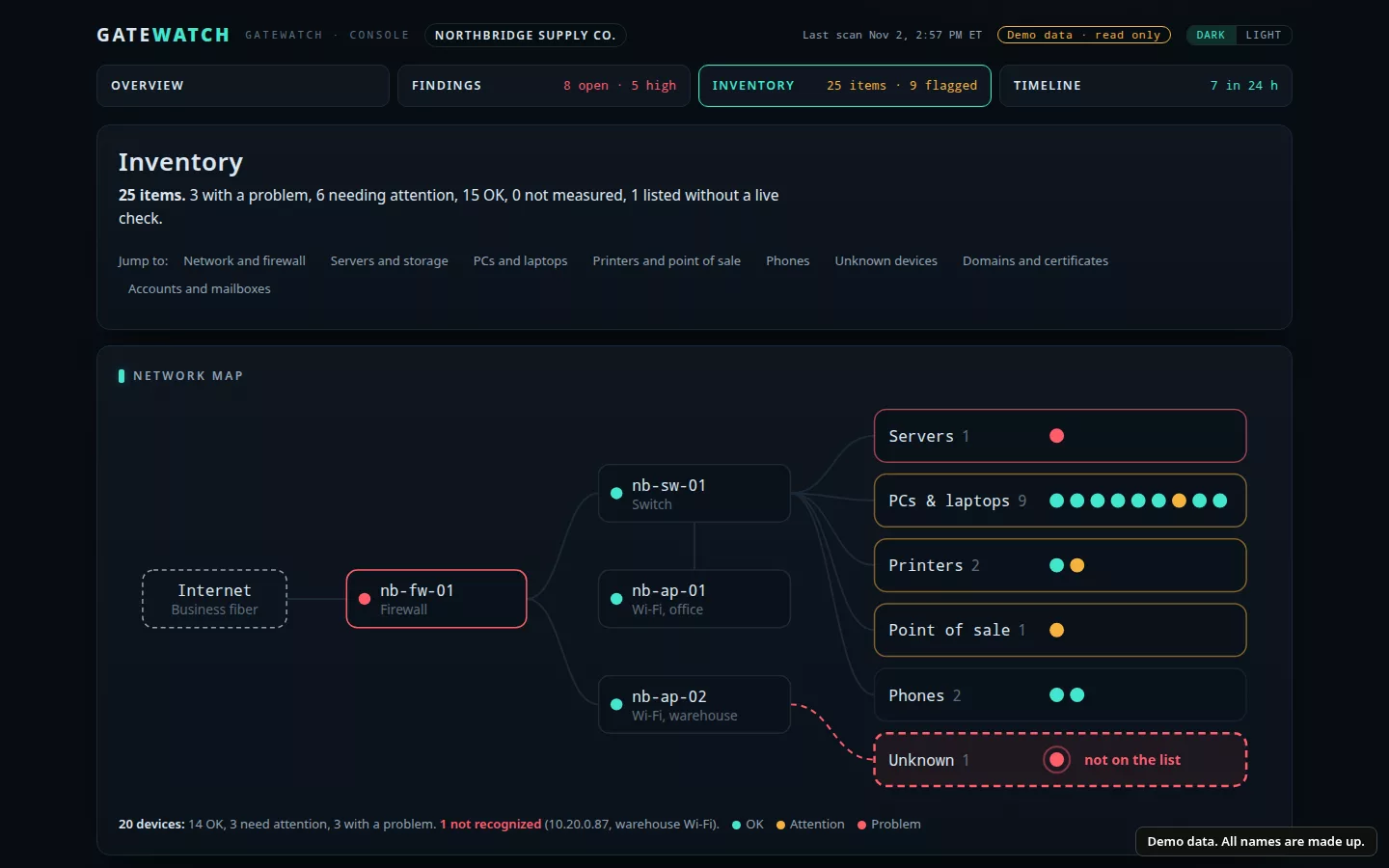
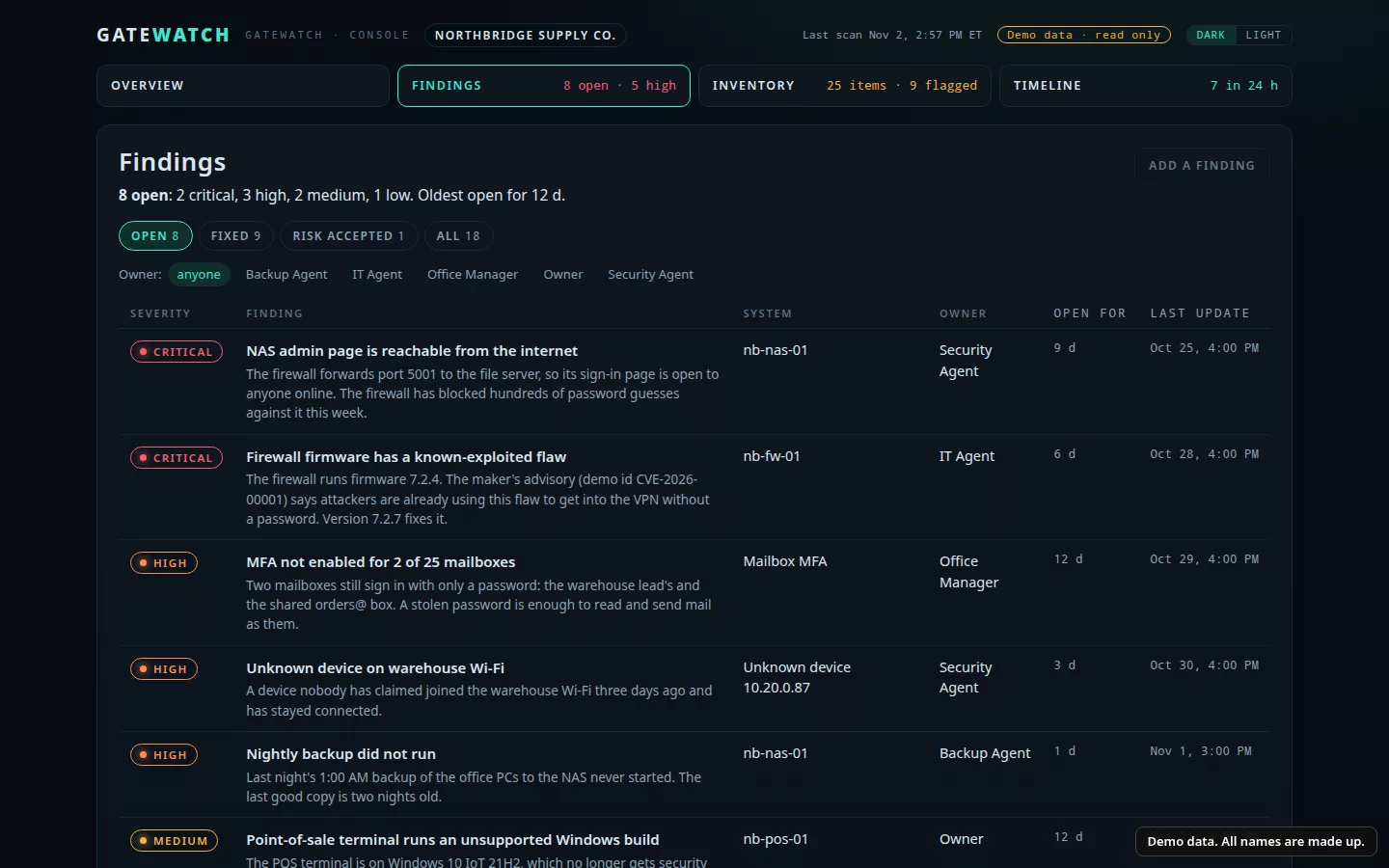
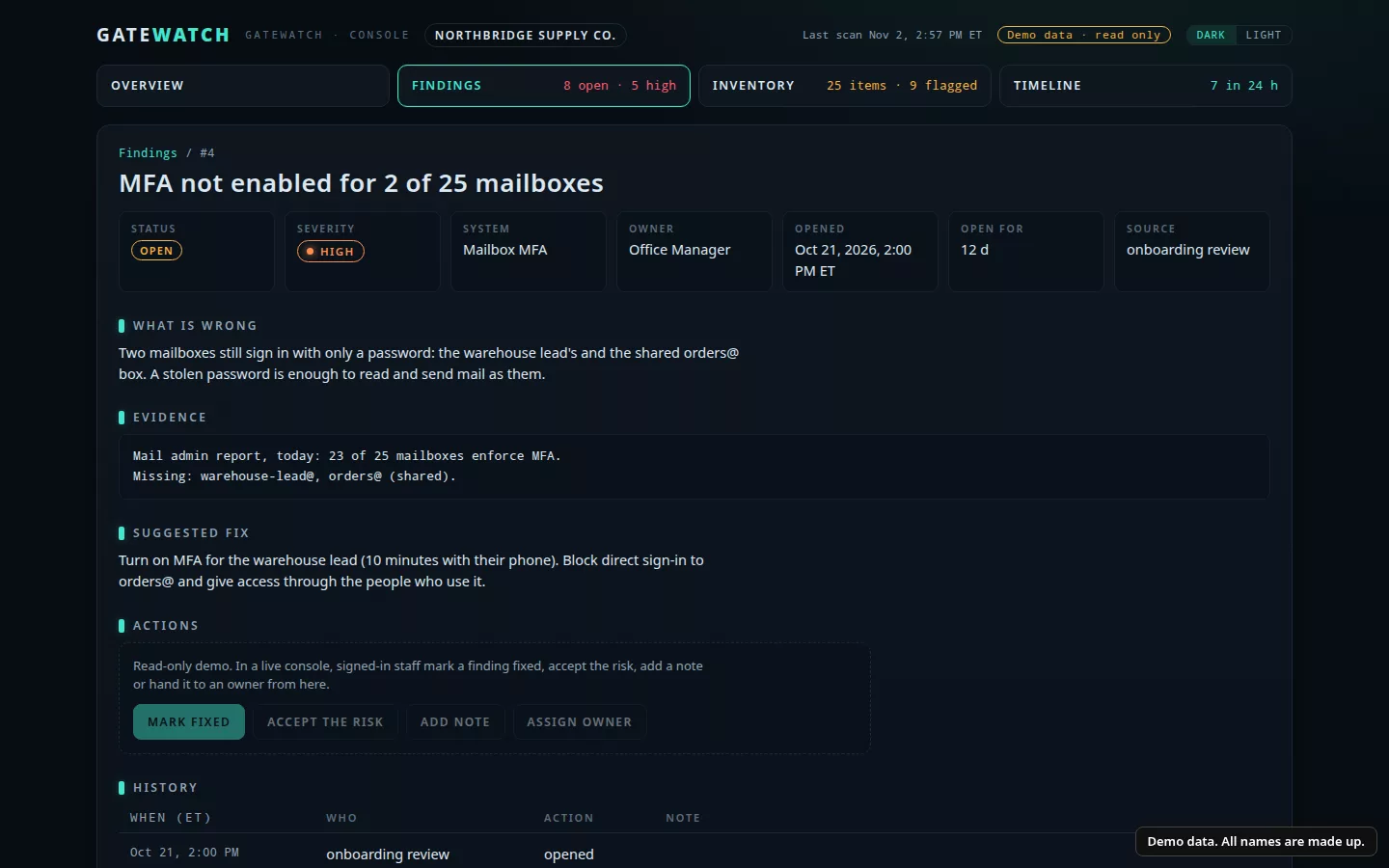
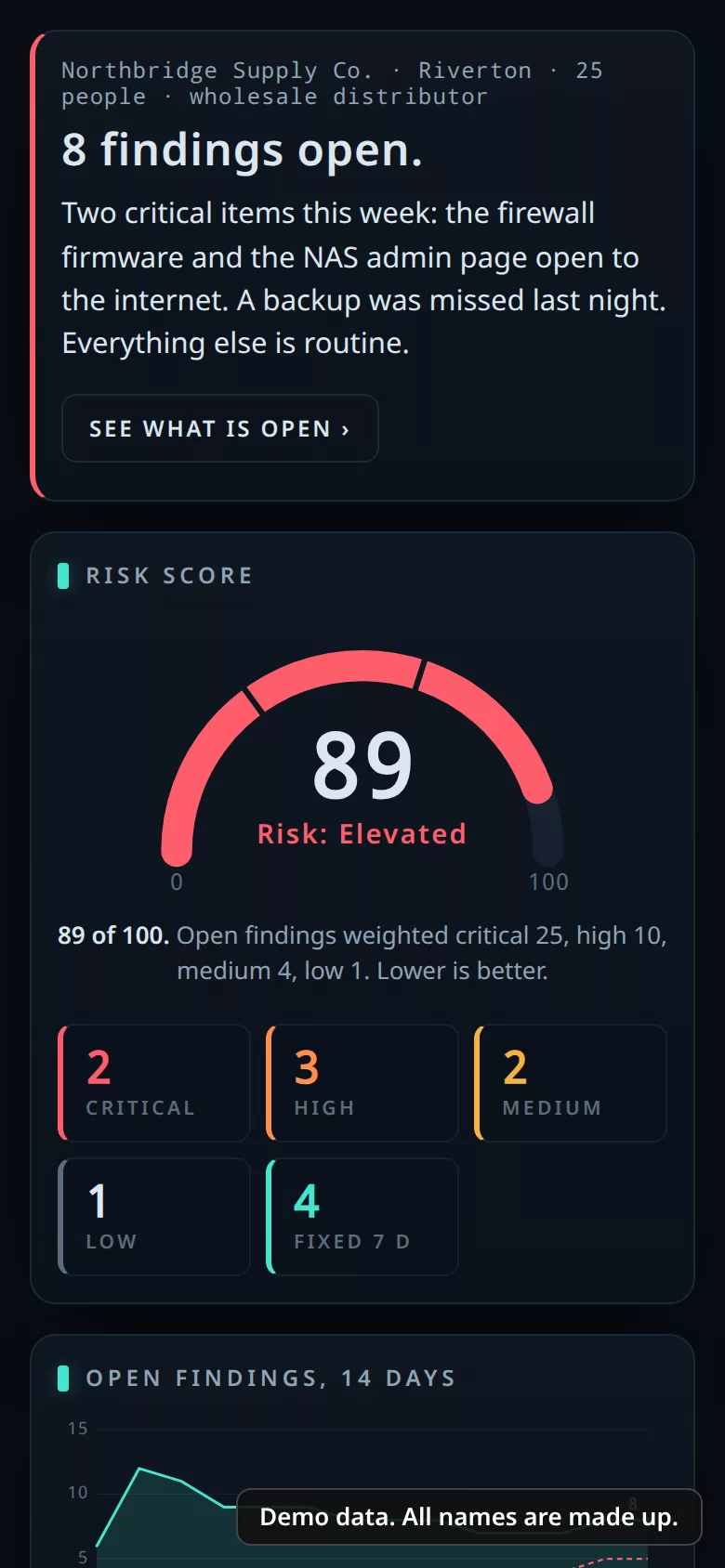
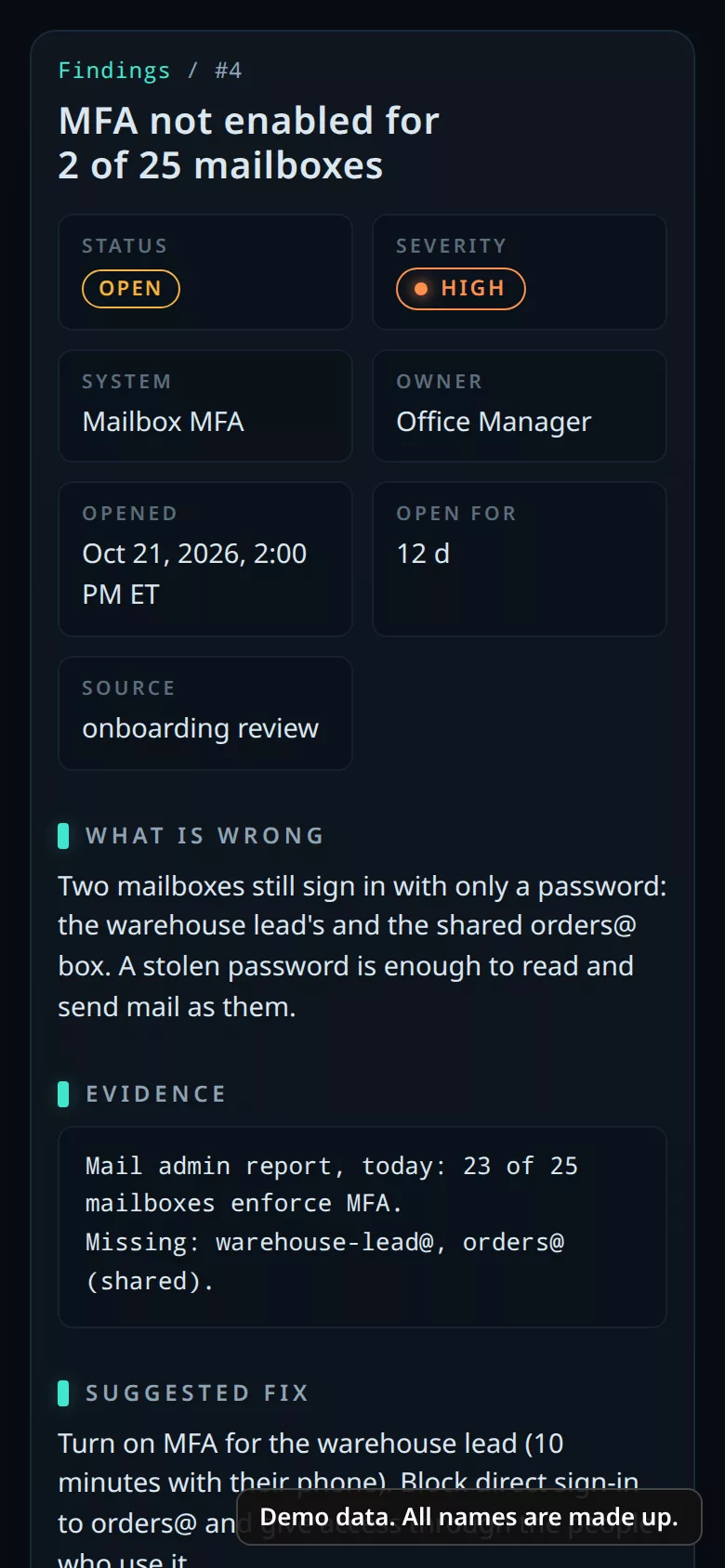
Every finding reads like a note from a careful IT person: what's wrong, why it matters and what to do next. A partner or the office manager can read it, and your IT provider can act on it.
The rules
GateWatch looks and reports. Your team or your IT provider makes every change.
Nothing is checked until you show it's yours and sign a written authorization that names it.
Sign-in checks use a read-only grant in your Microsoft 365 or Google admin.
It doesn't open client files, case files or the data in your practice software.
No tool catches every problem. GateWatch helps you and your IT provider see common weak spots early and know what to do next.
Every firm is different, so pricing follows a short call about yours.
Your move
Thirty minutes. Tell us about your firm and who handles your IT, and we'll walk you through the demo console.